
Learn Oeave
Everything you need to create interactive product experiences — from your first fiber to a published weave.
Getting Started
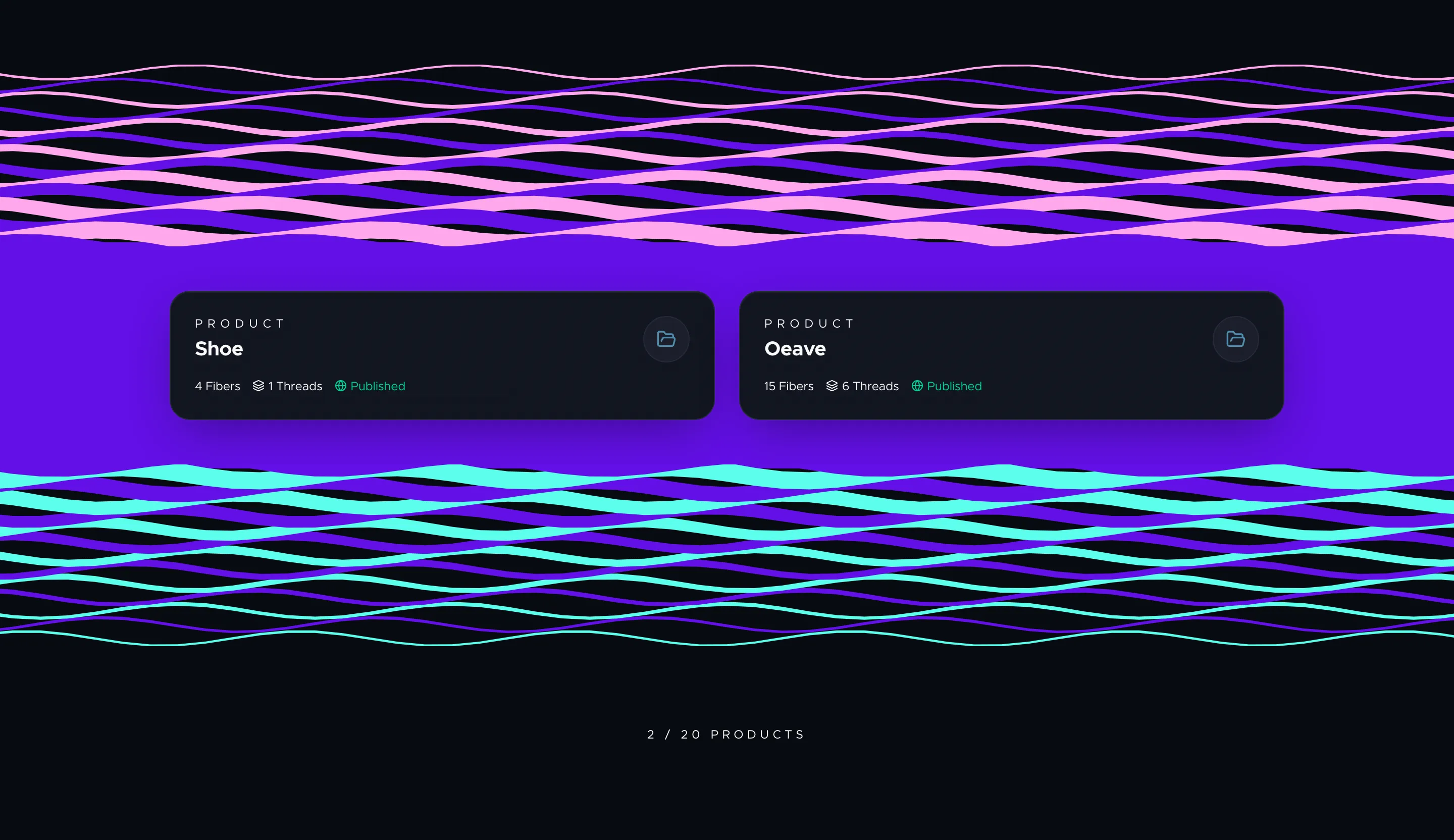
Getting Started with Oeave
A walkthrough of Oeave's core workflow — from creating your first project to publishing an interactive product experience on your site.
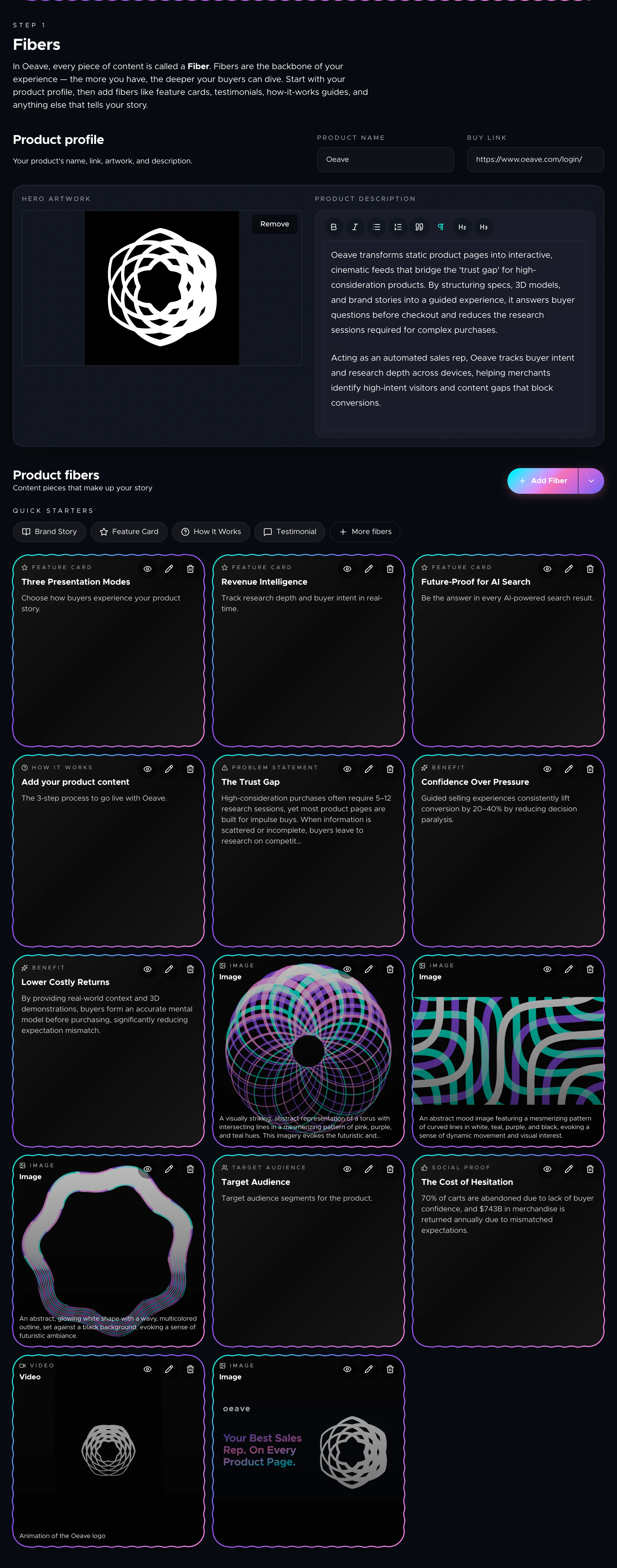
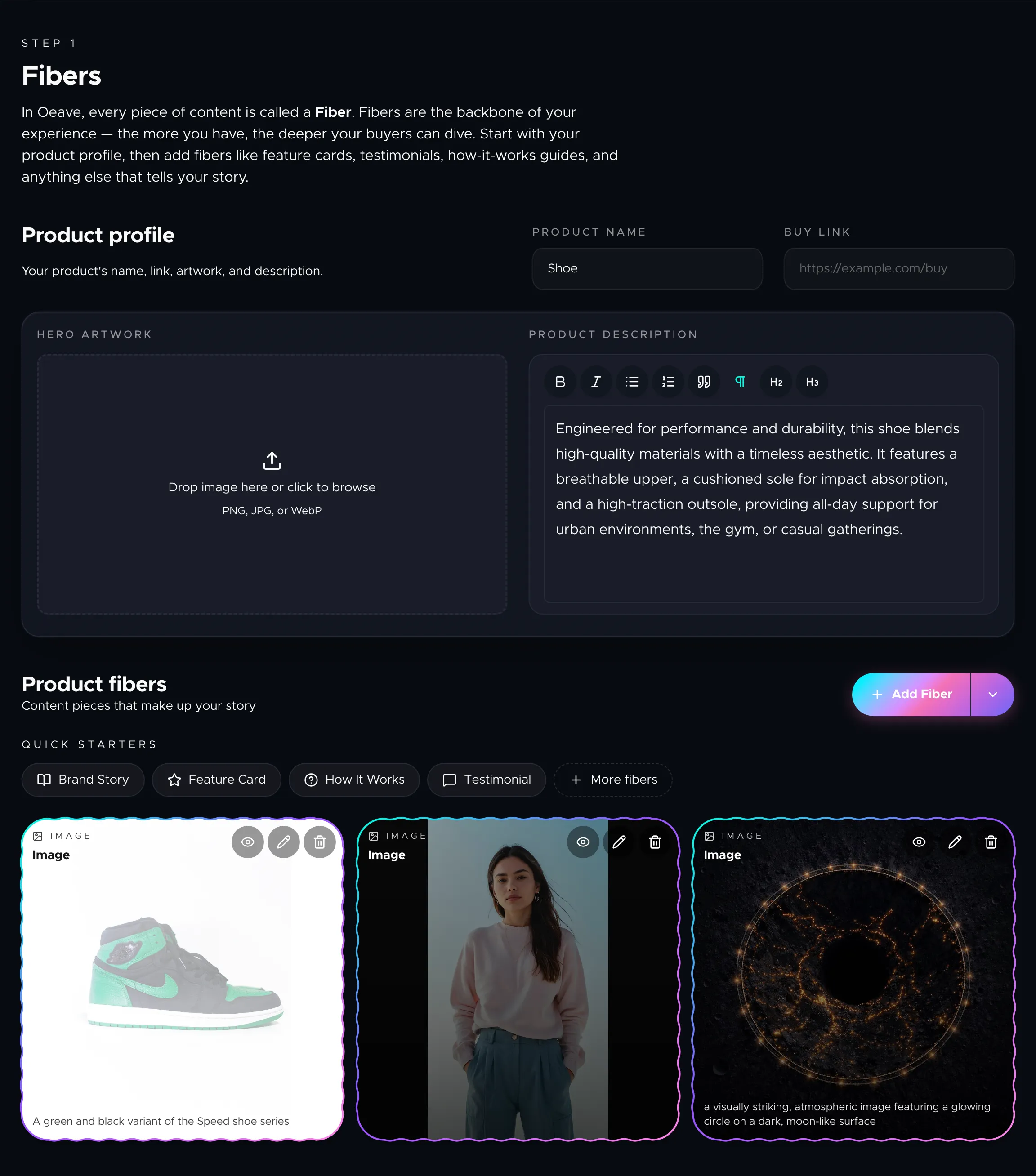
Understanding Fibers
Fibers are the building blocks of every Oeave experience. Learn what they are, which types exist, and how to use them to tell a complete product story.
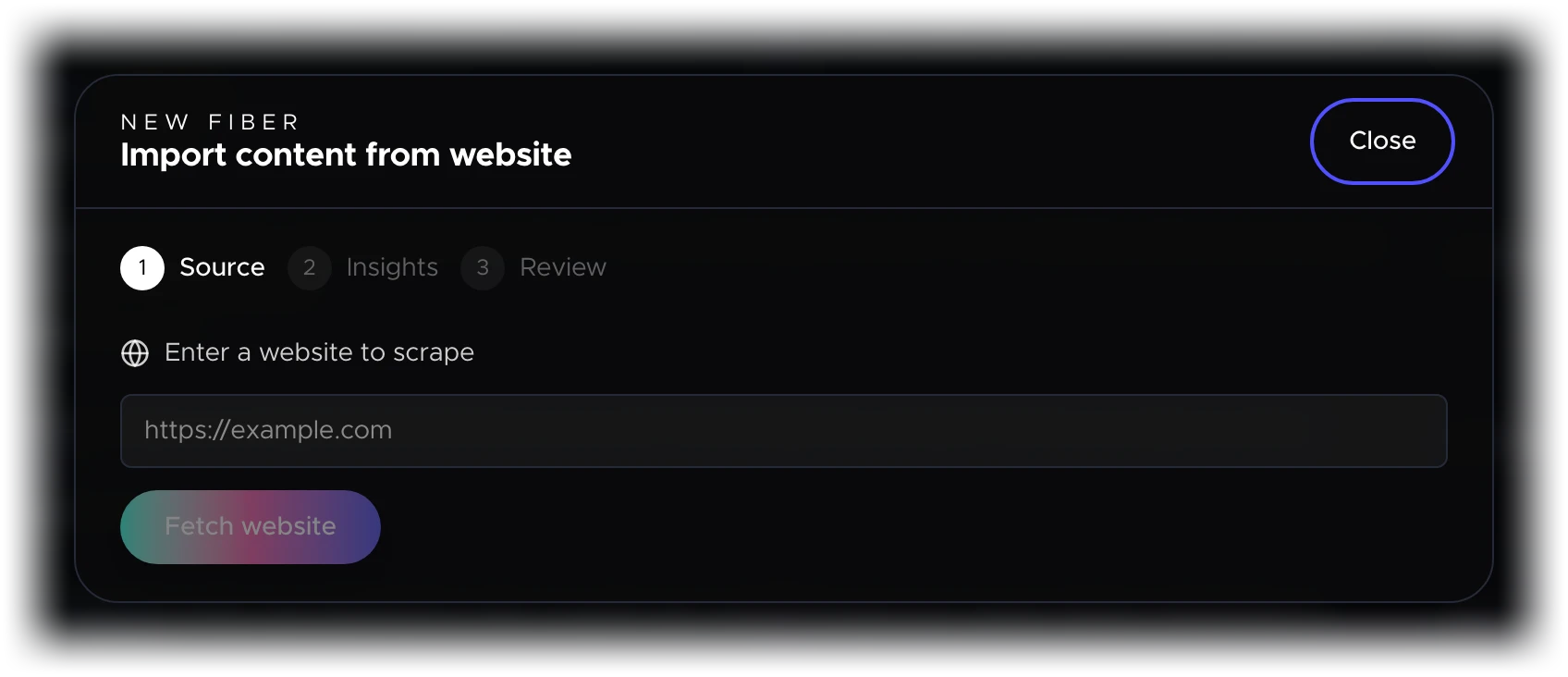
Importing Content
Three ways to populate your project quickly — scrape a website, upload documents and images, or generate Fibers through AI chat.
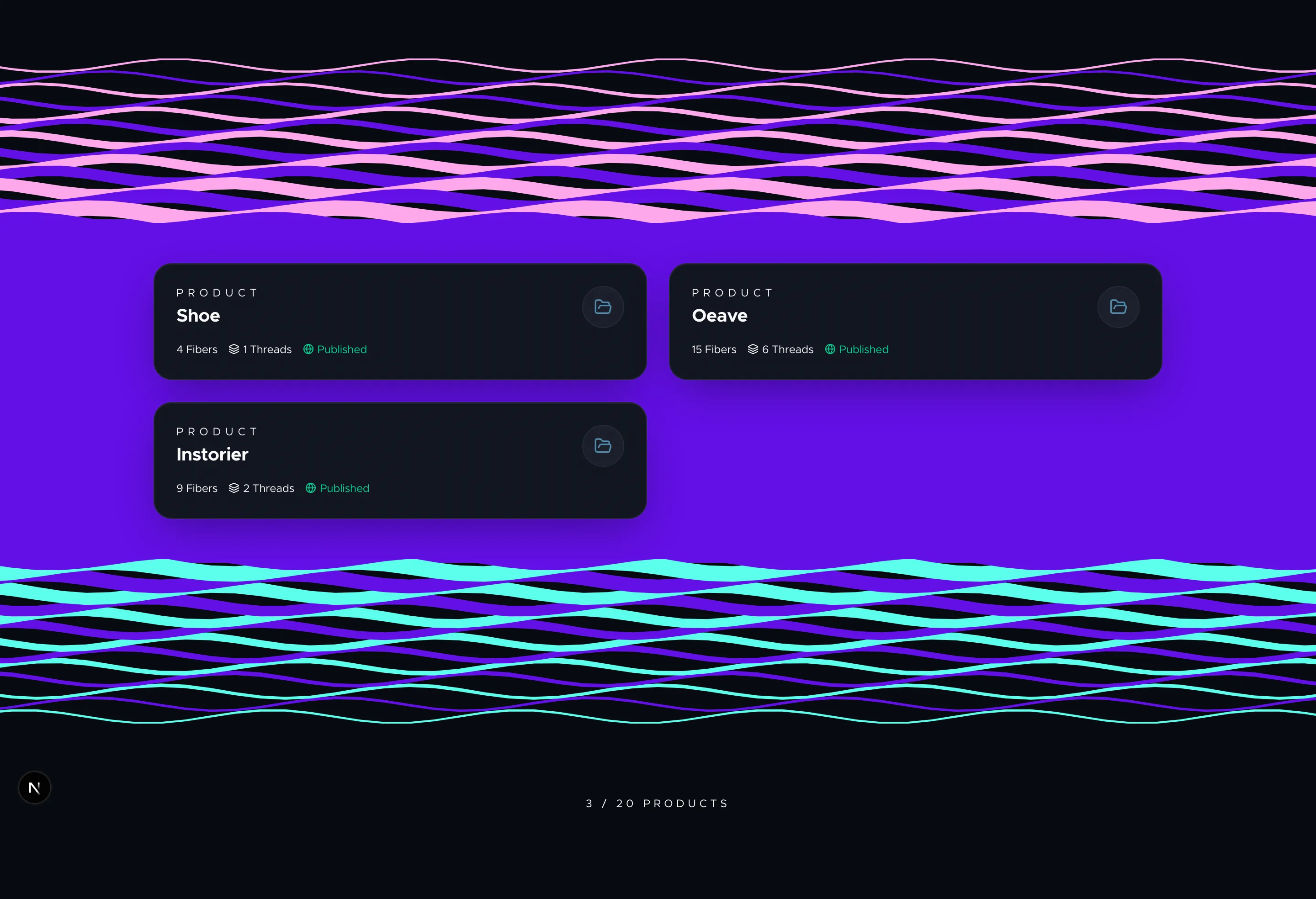
Dashboard and Workspace
How to navigate the Oeave dashboard, create and manage projects, and understand your workspace at a glance.
Building Your Weave
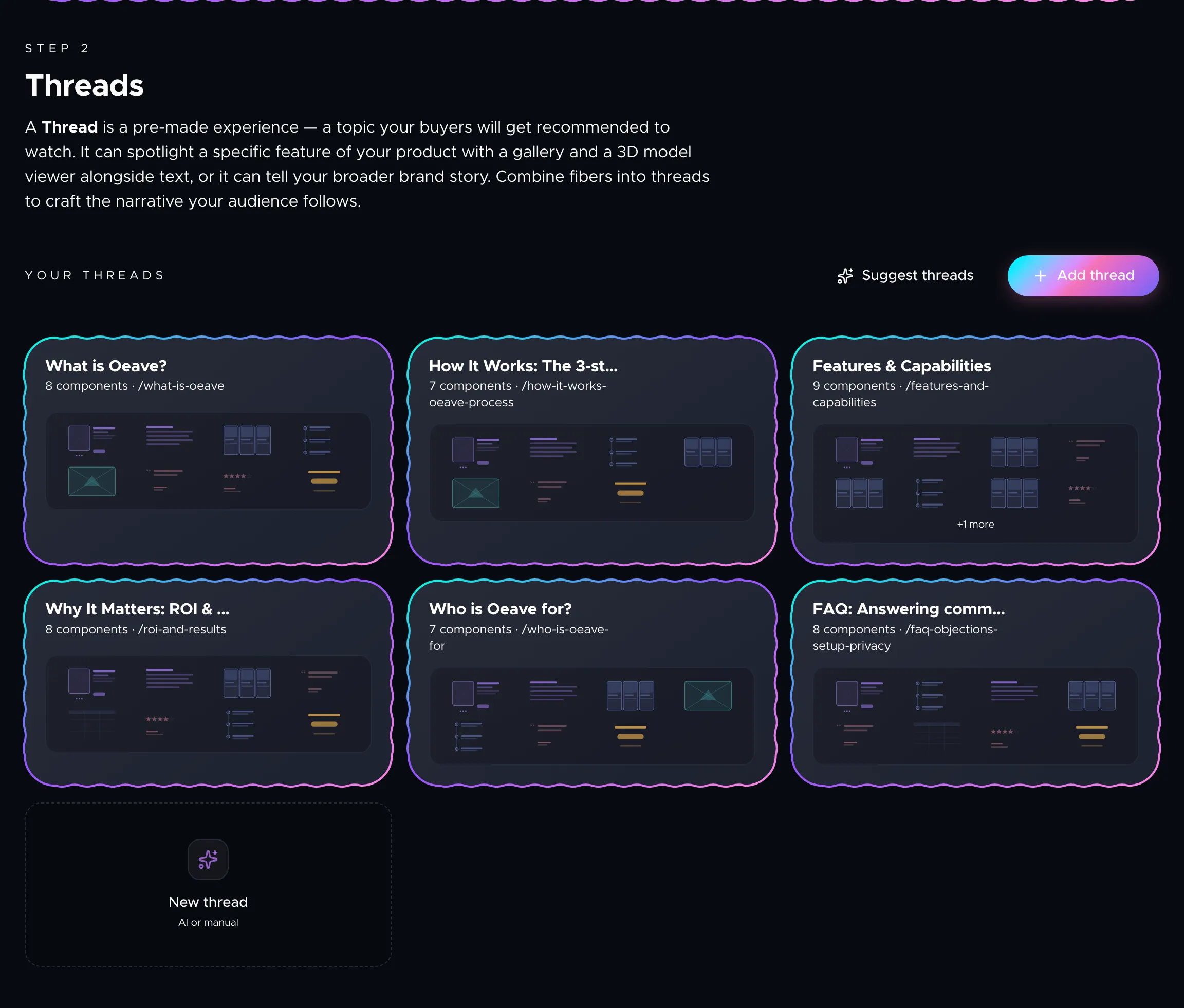
Building Threads
Threads turn your raw Fibers into curated topic experiences. Learn how to create them manually, use AI suggestions, and leverage search-driven insights.
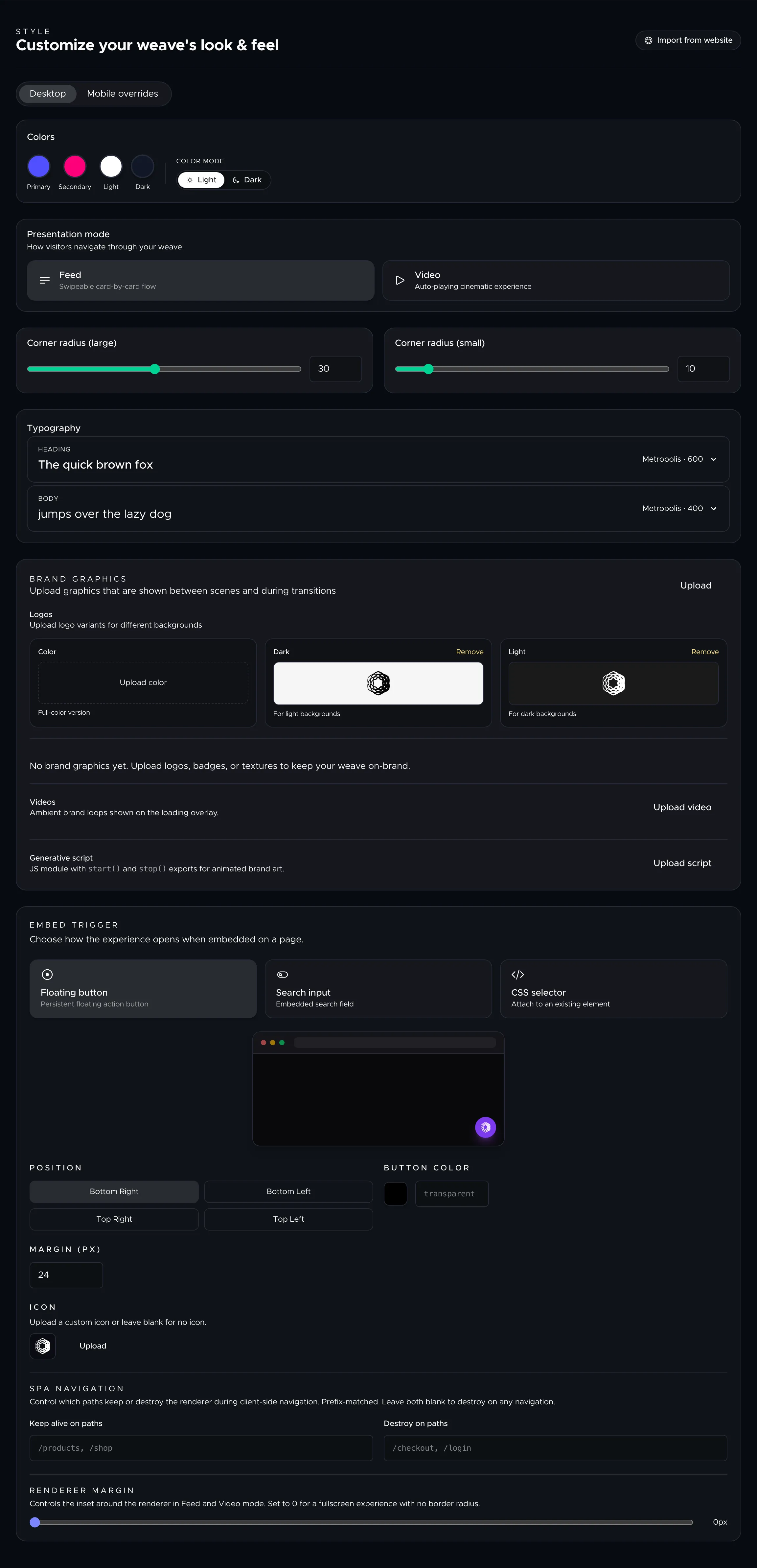
Styling Your Weave
Customize the look and feel of your Weave with brand colors, fonts, logos, and graphics — so the experience matches your brand identity.
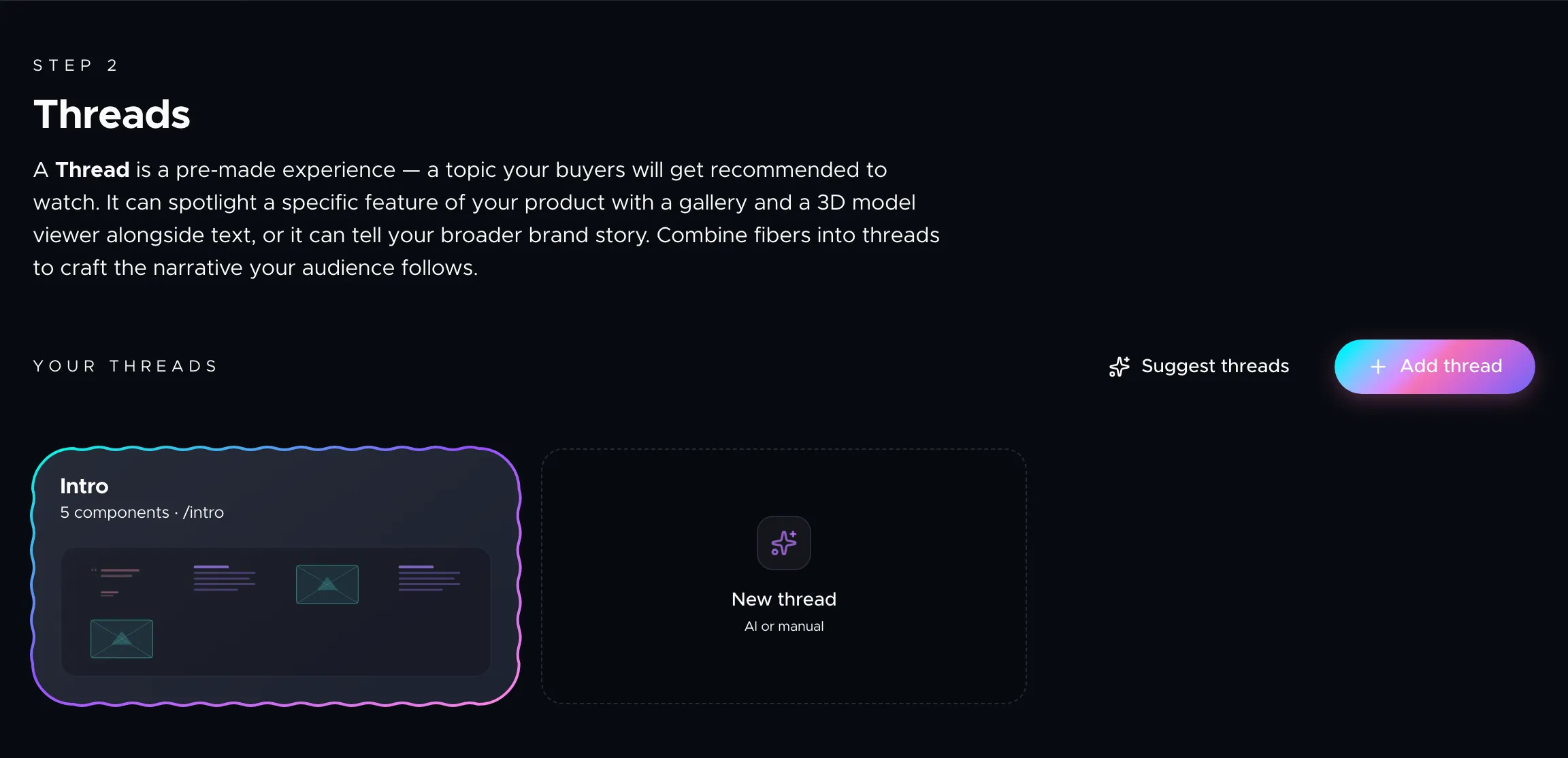
Component Reference
A guide to every component type available in the thread builder — what each one does, when to use it, and what fields you can configure.
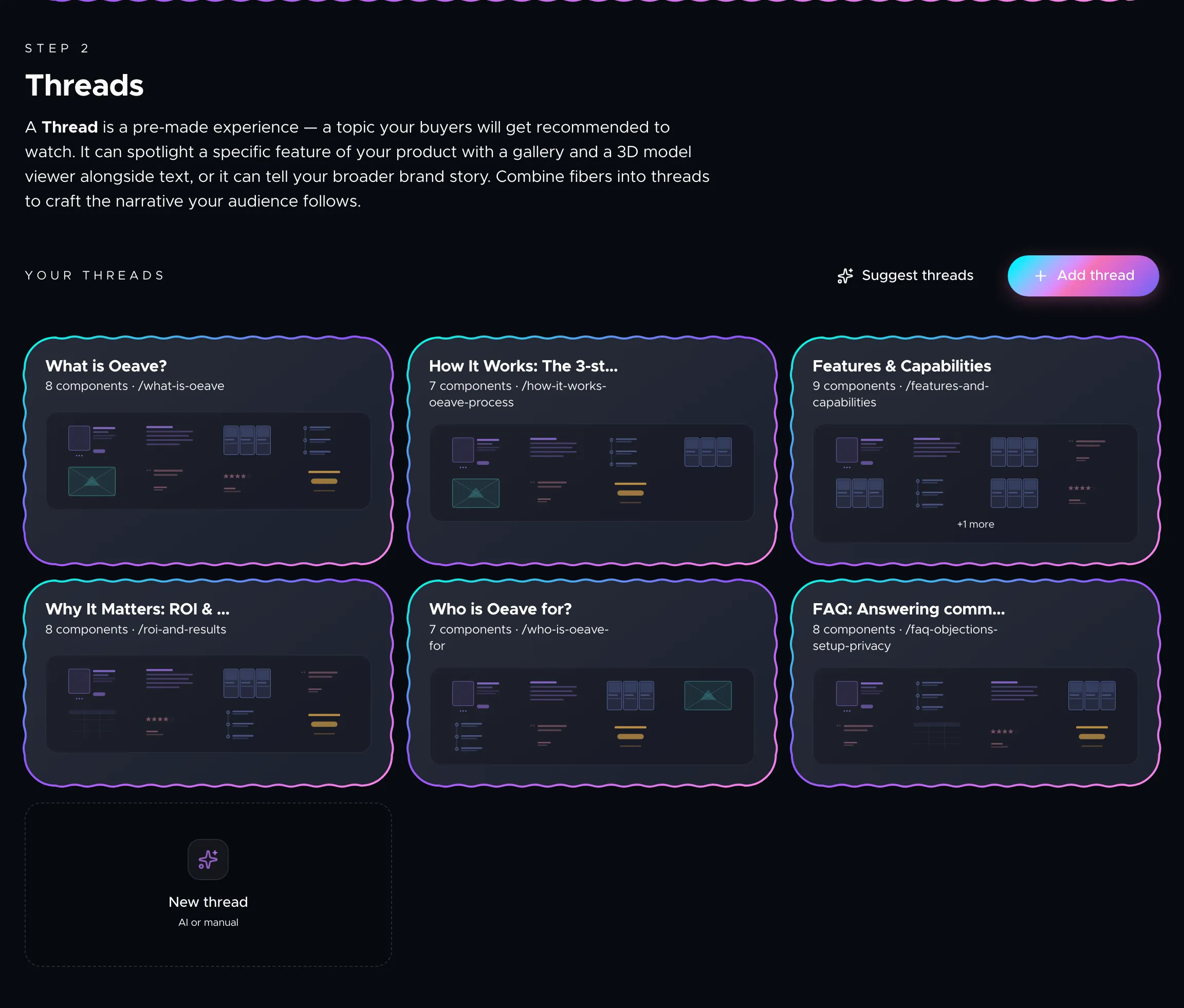
Background Graphics
How to add background images, animated galleries, and 3D models behind your thread components to create cinematic depth.
Media and Assets
How to upload, manage, and reuse images, videos, and 3D models across your fibers and thread components.
Publishing & Previewing
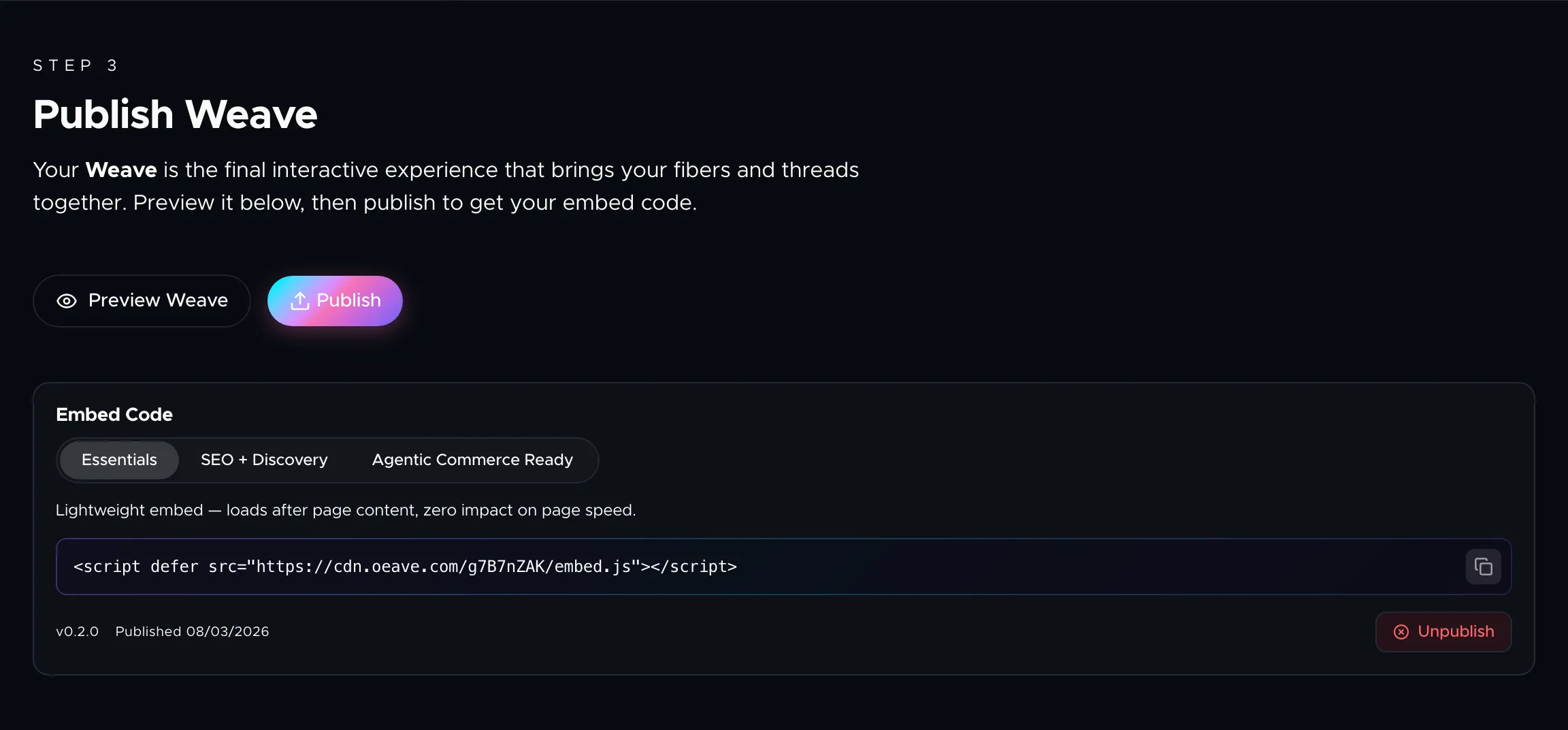
Publishing and Embedding Your Weave
How to preview, publish, and embed your Weave on your product page — including the three embed tiers and what each one adds.
Presentation Modes
Your Weave adapts to how buyers want to experience it. Learn about the Feed and Video modes and how content adjusts to each.
Previewing Your Weave
How to use the preview modal to see your Weave in different presentation modes before publishing.
Hotspot Scenes
How to create interactive hotspot scenes that let buyers explore products in a "choose your own adventure" format.
Analytics & Growth
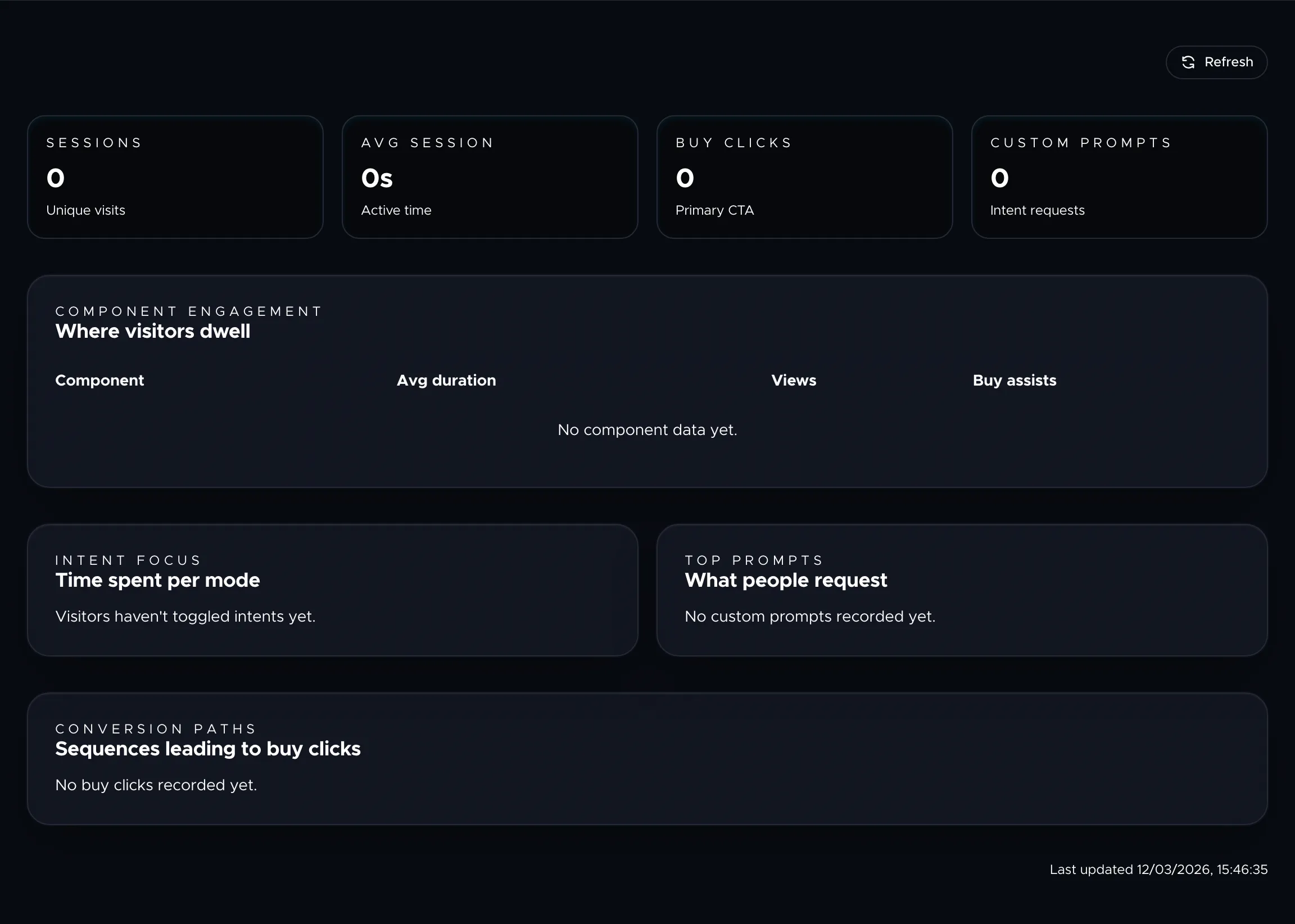
Analytics and Insights
Understand how buyers move through your Weave with signal tracking, funnel depth scoring, and actionable reports.

Answer Engine Optimization
How Oeave makes your product visible to AI answer engines, LLMs, and autonomous shopping agents through structured data and rich media.
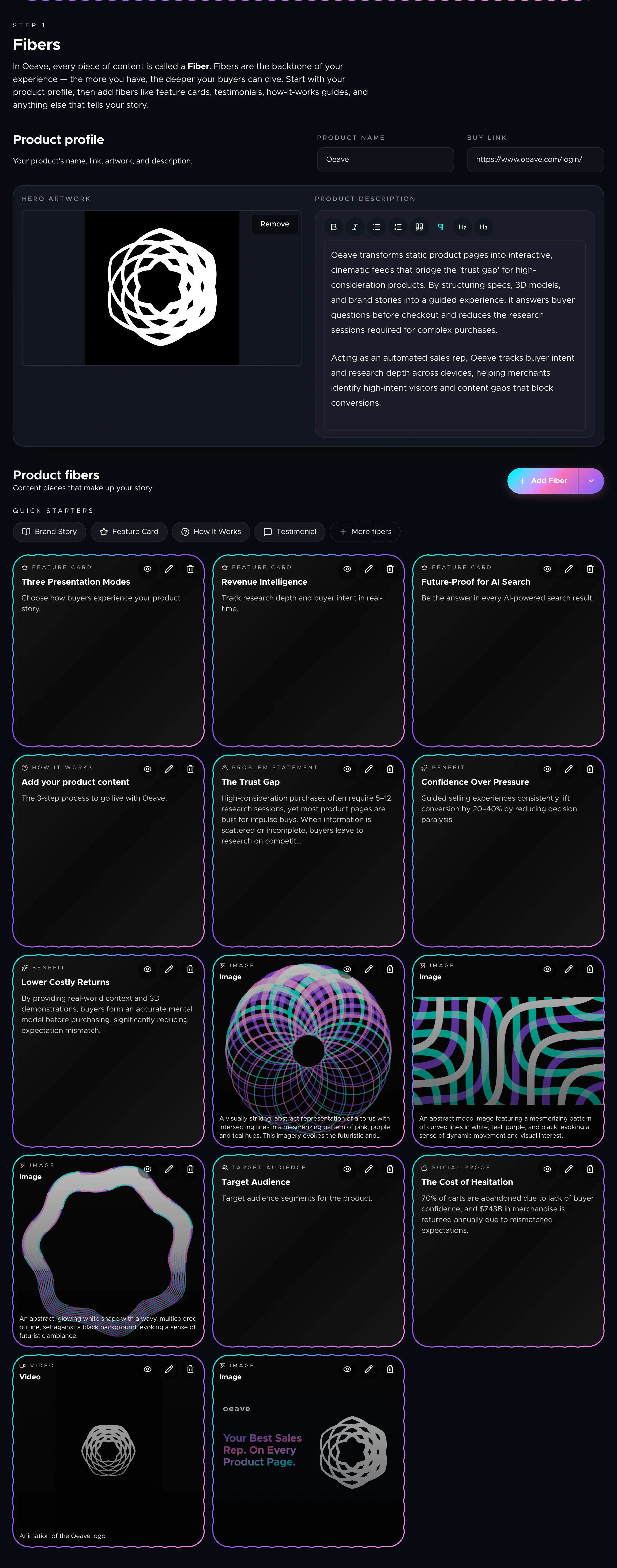
AI Suggestions
How Oeave's AI analyzes your project and suggests improvements to your fibers, threads, and overall buying experience.
Daily Reports
How to read the AI-generated daily analytics reports, understand recommendations, and use visitor data to improve your Weave.
Account & Billing
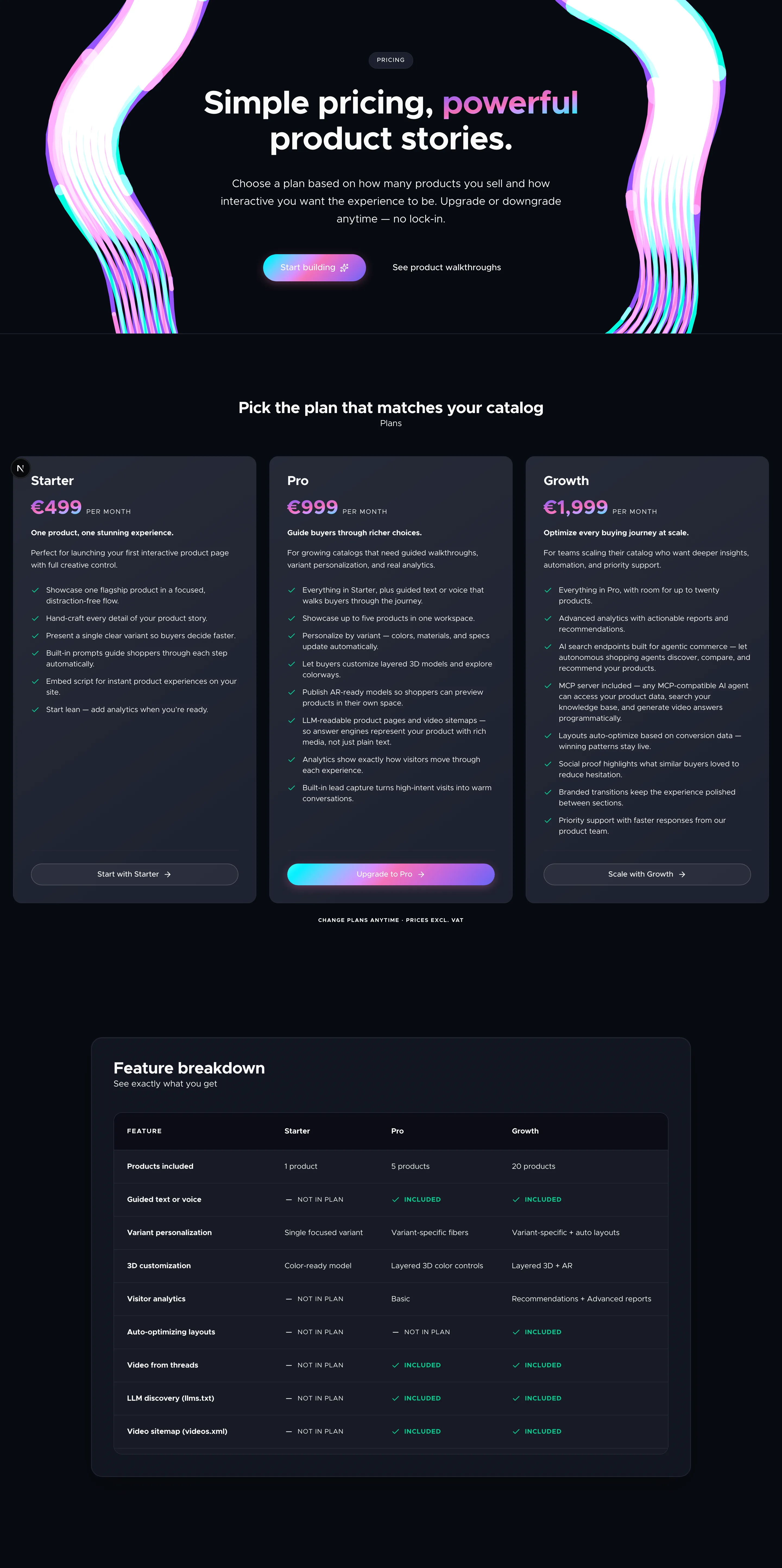
Plans and Pricing
A breakdown of Oeave's three pricing tiers — what each plan includes, feature limits, and which plan fits your stage.
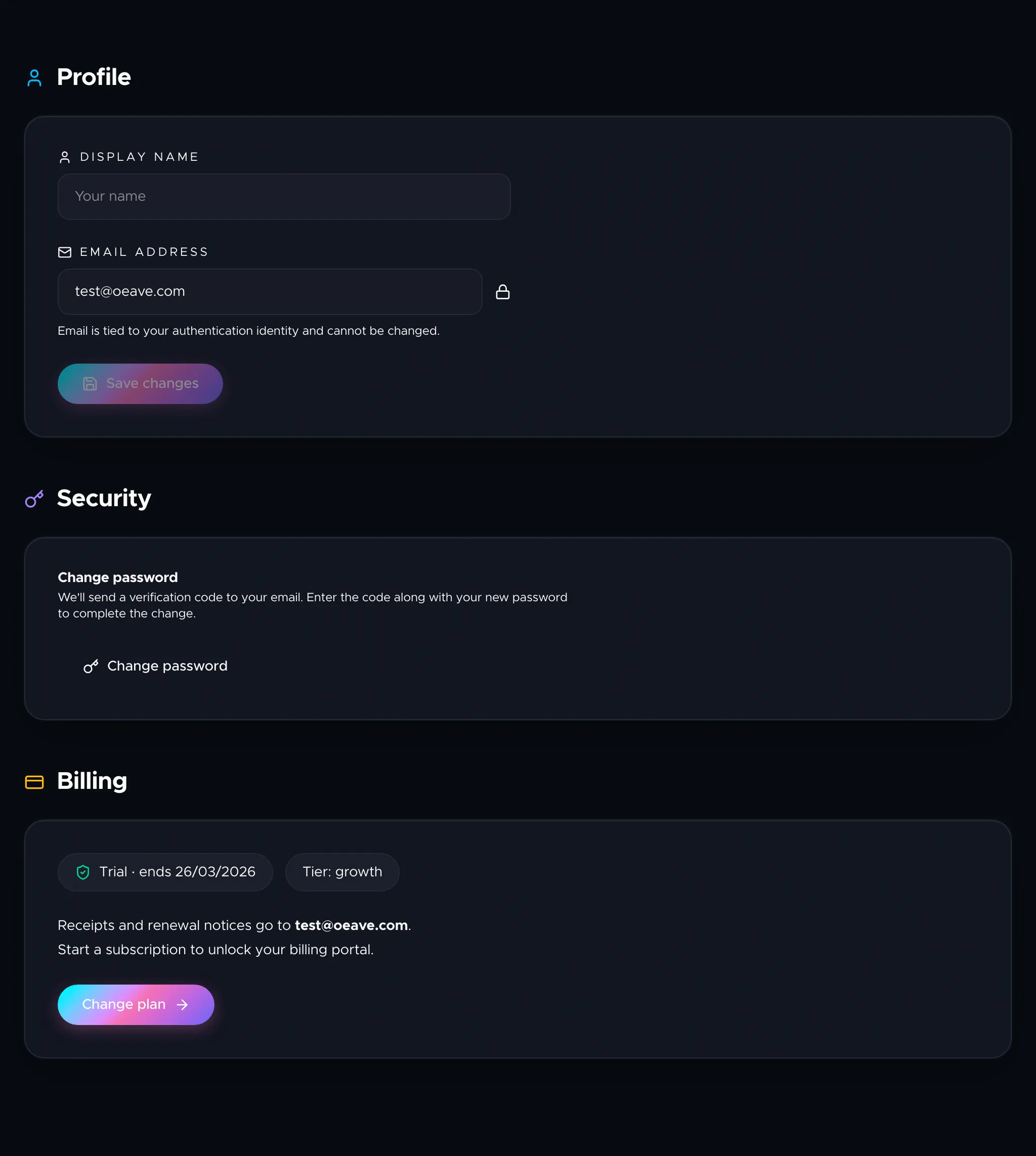
Account Settings
How to manage your profile, change your password, and access billing from the account settings page.
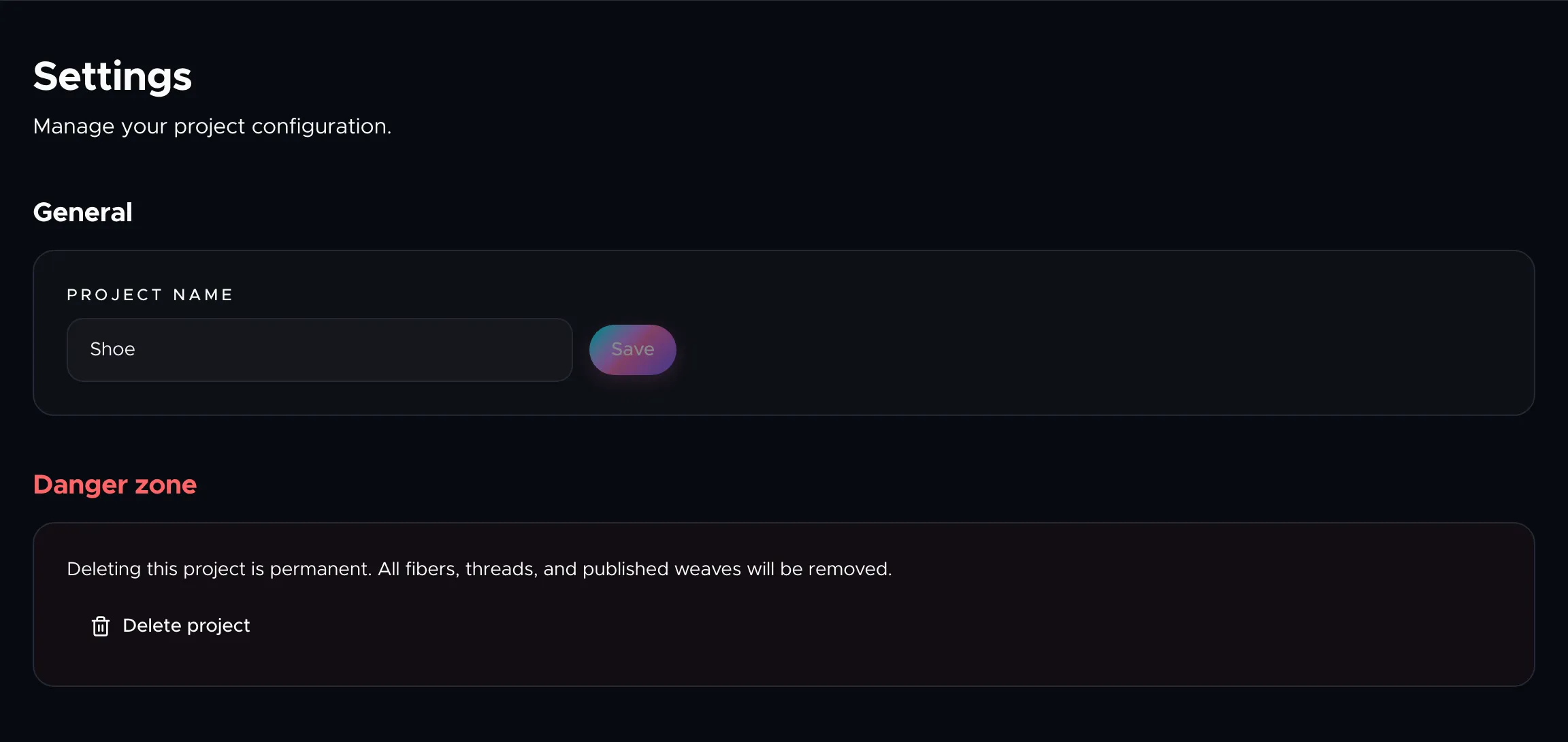
Project Settings
How to rename your project, manage its configuration, and delete it when you no longer need it.
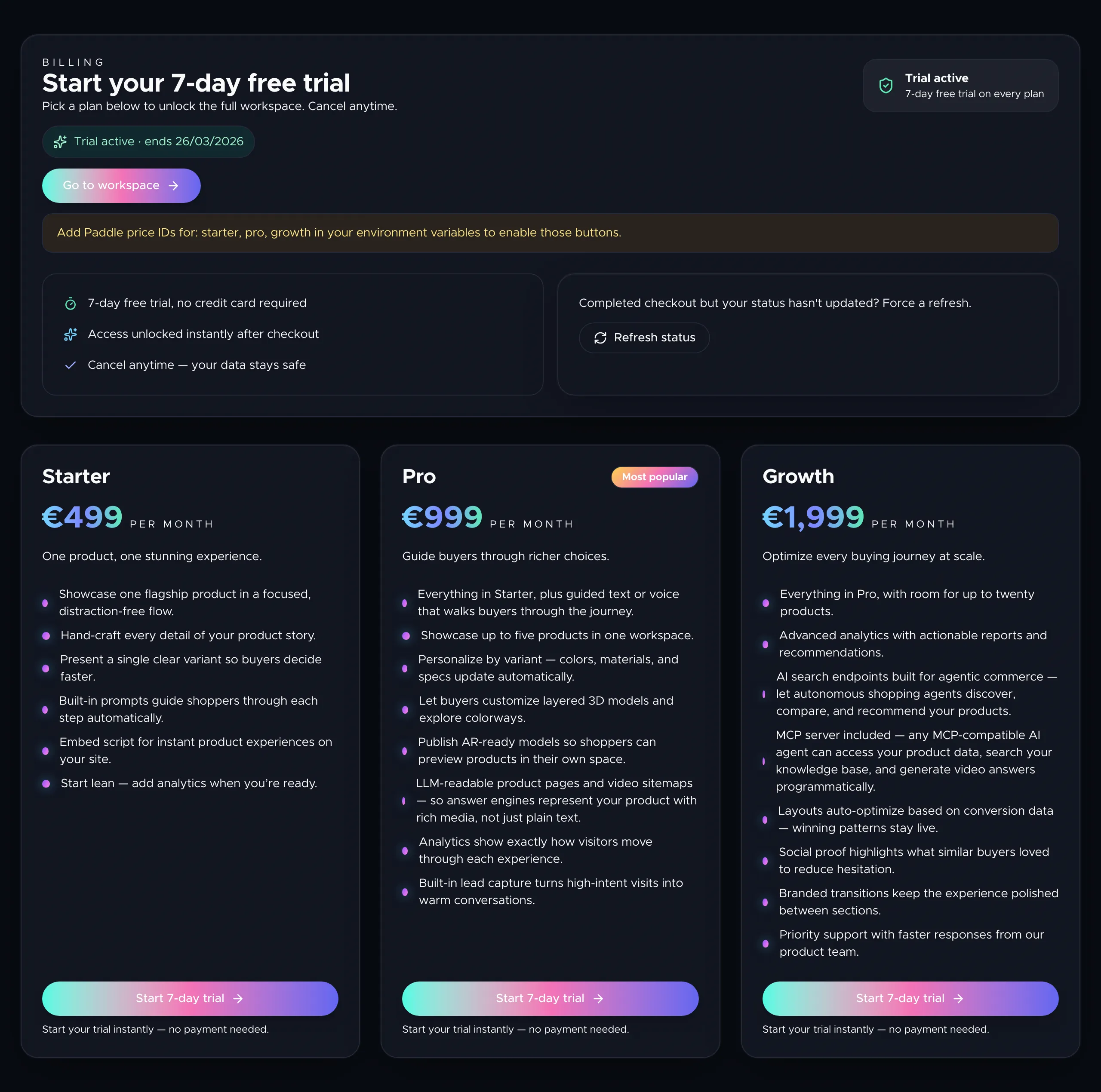
Managing Your Subscription
How to start a trial, subscribe to a plan, manage billing, and understand what happens when your trial expires.
Developer & Integrations
Agent API — letting AI build your storefront
Tutorial and full reference for Oeave's Agent API. Scoped keys, idempotency, async tasks, fiber and thread authoring, asset uploads, publish control.
Live Trailers, branded video answers inside AI chats
How Oeave turns a shopper's question inside ChatGPT, Claude, or any AI agent into a live-rendered, fully branded video, so your product shows up on video inside chat interfaces you don't own.