Project Settings
How to rename your project, manage its configuration, and delete it when you no longer need it.
Every project has a Settings tab — the last tab in the project navigation bar. Use it to update your project's name or remove the project entirely.
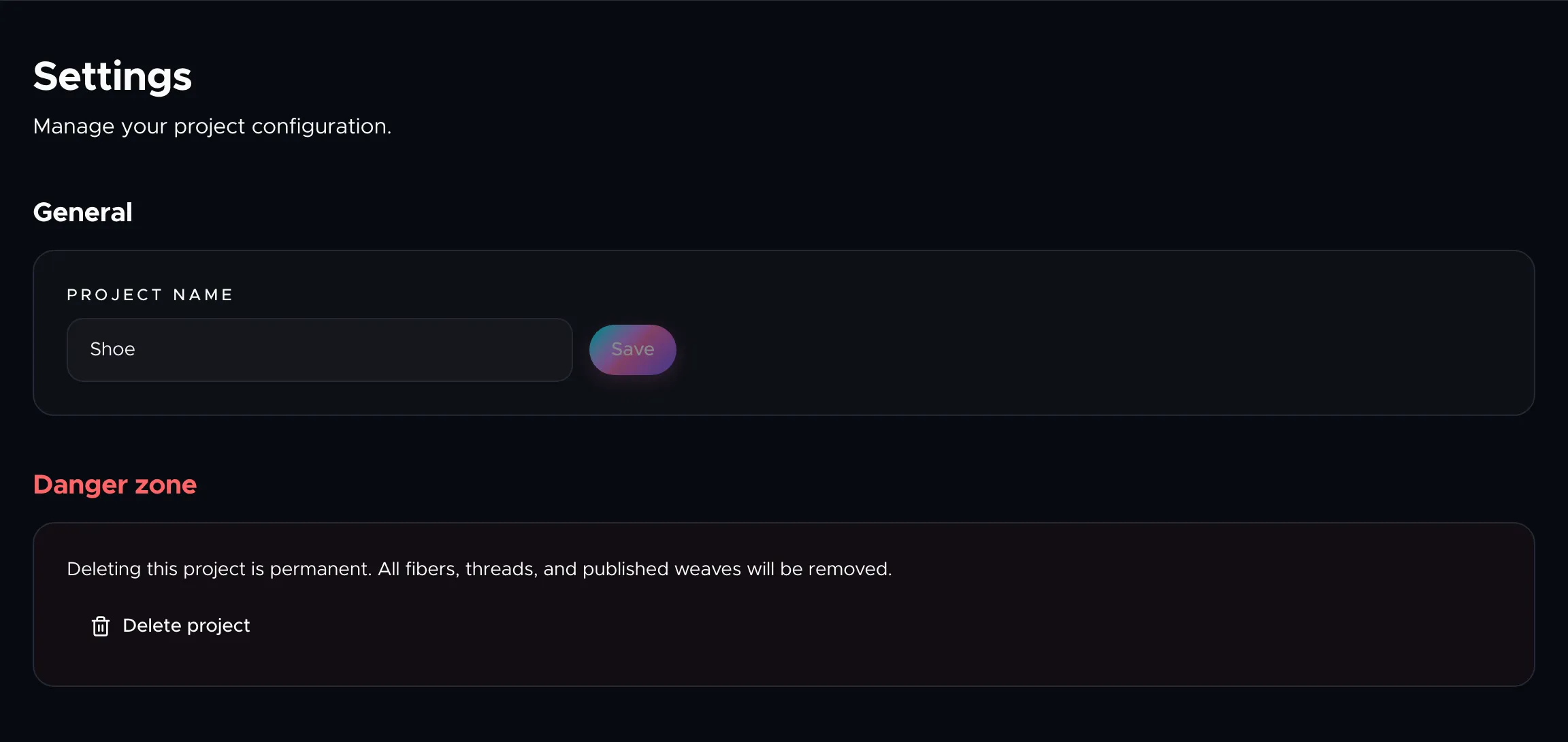
Renaming your project
The General section shows your current project name. Type a new name and click Save. The change takes effect immediately and updates everything that references the project name, including your dashboard listing.
Deleting a project
The Danger zone at the bottom of the settings tab lets you permanently delete the project. This action:
- Removes all fibers you've added.
- Removes all threads and their component configurations.
- Unpublishes and removes the live Weave if one exists.
Deletion is permanent and cannot be undone. The system will ask you to confirm before proceeding. After deletion, you're returned to the dashboard.
Next steps
To manage your account-level settings (profile, password, billing), see Account Settings. To understand how project limits are tied to your plan, see Plans and Pricing.