AI Suggestions
How Oeave's AI analyzes your project and suggests improvements to your fibers, threads, and overall buying experience.
Oeave continuously analyzes your project content and visitor behavior to suggest ways to improve your buying experience. These suggestions appear as a panel above all project tabs.
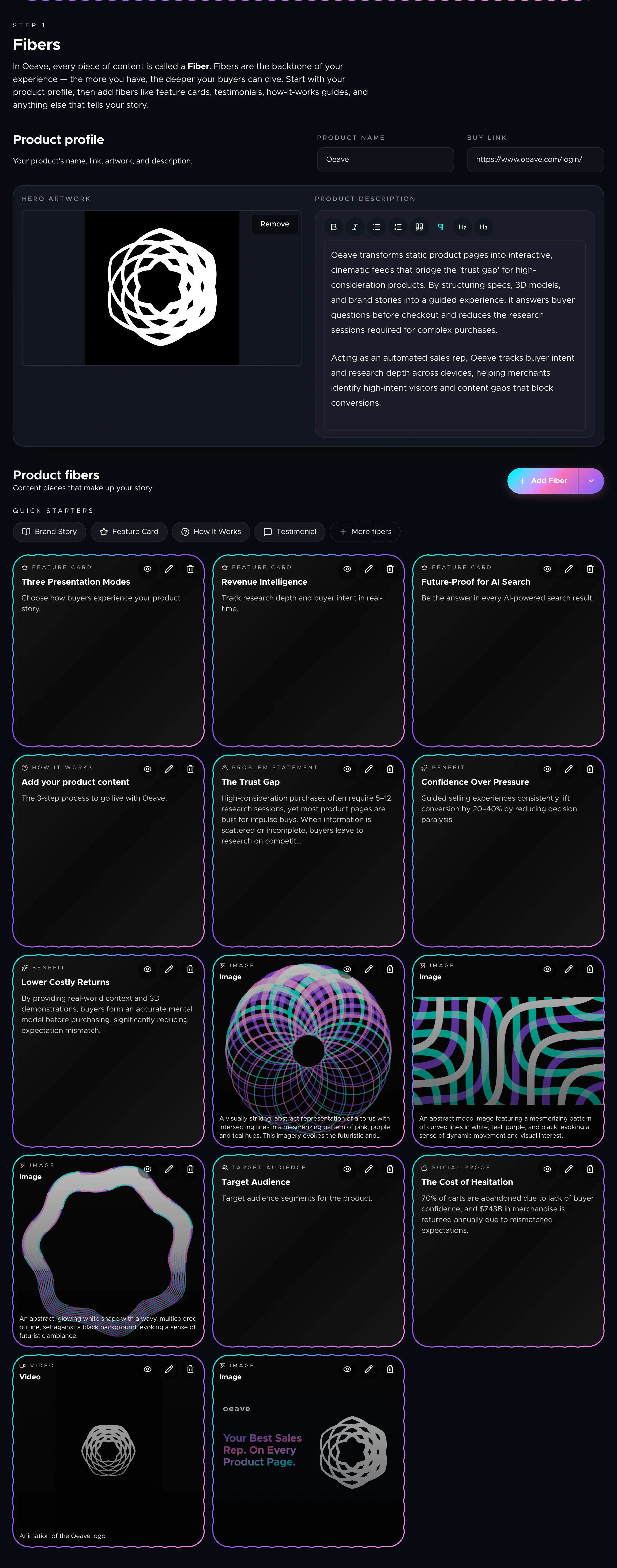
Where suggestions appear
When AI suggestions are available, a collapsible panel appears at the top of your project page — visible on every tab. Each suggestion is a specific, actionable recommendation like "Add a testimonial thread — visitors are asking about reviews" or "Your pricing thread is missing a CTA."
Click any suggestion to expand its details. You can dismiss suggestions you've already addressed or that aren't relevant.
What drives suggestions
Suggestions come from two sources:
- Content analysis — the AI examines your fibers and threads for gaps. If you have testimonial fibers but no testimonial thread, it'll recommend creating one. If a thread is missing a call to action, it'll flag that too.
- Visitor behavior — when your Weave is published and receiving traffic, the AI uses analytics signals (search queries, dwell time, drop-off points) to recommend content improvements that match what buyers are actually looking for.
Acting on suggestions
Suggestions are recommendations, not requirements. Your project works fine without acting on any of them. But when you do act, the suggestions update — completed ones disappear and new ones may appear based on your changes.
Availability
AI suggestions are available on plans that include the suggestions feature. Check Plans and Pricing for details on which tier unlocks this capability.
Next steps
To understand the analytics signals that drive suggestions, see Analytics and Insights.