Building Threads
Threads turn your raw Fibers into curated topic experiences. Learn how to create them manually, use AI suggestions, and leverage search-driven insights.
A Thread is a pre-made experience built from your Fibers. Think of it like a chapter in your product story — "Key Features", "How It Works", "What Customers Say", or "Design Philosophy". Each Thread combines layout components with content from your Fiber library to create a focused, navigable experience.
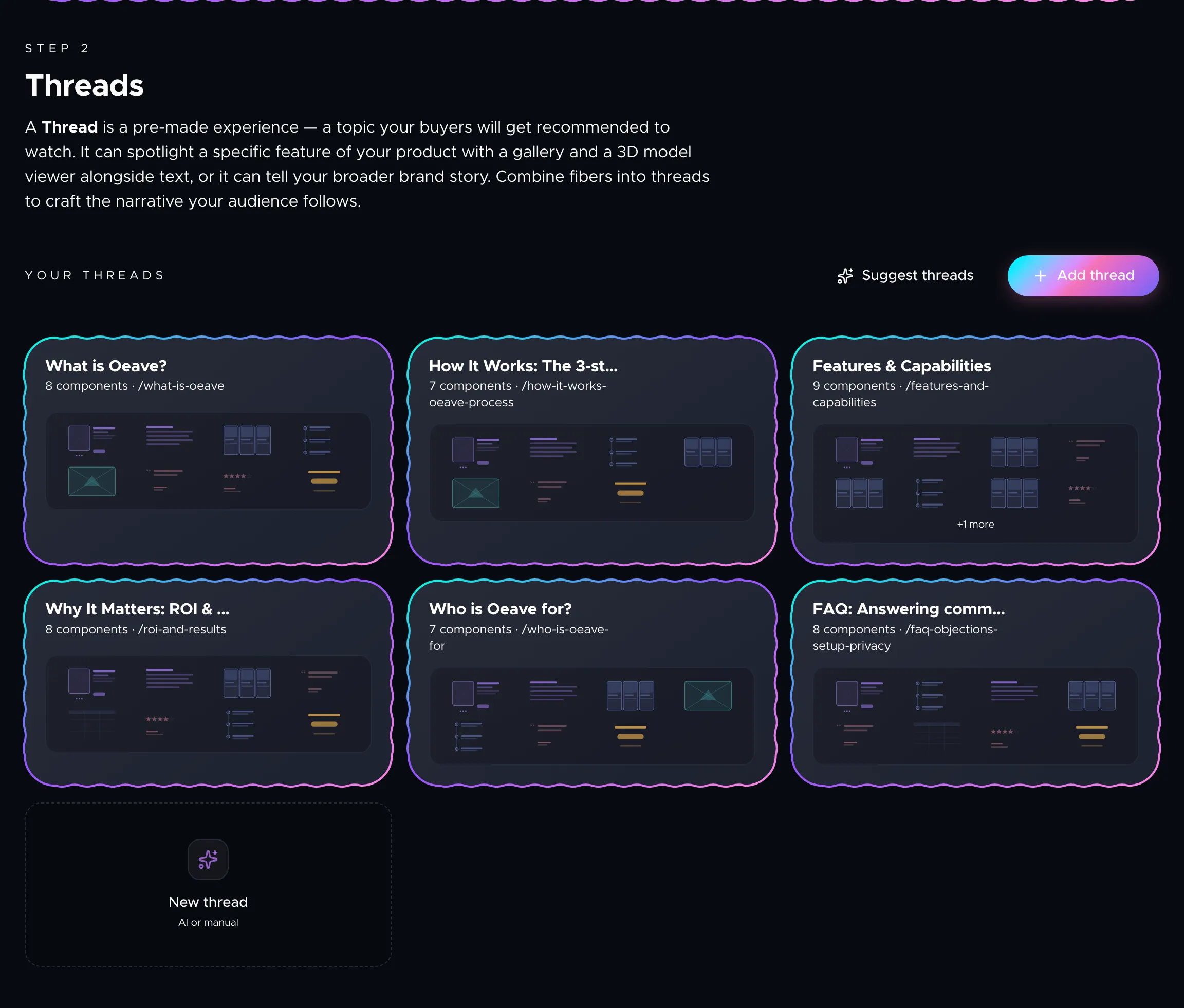
When a buyer interacts with your Weave, they start with the first Thread and can then choose their own path based on what they want to learn more about.
How Threads work
Each Thread contains one or more components: a carousel hero, a text block, a quote, a set of cards, a pricing table, and more. You assign Fibers to each component and the content fills in automatically.
The renderer adapts every component to the active presentation mode. In Feed mode, components become swipeable slides with animated transitions. In Video mode, everything auto-plays. The same Thread works across all modes without any extra configuration.
Creating Threads with AI
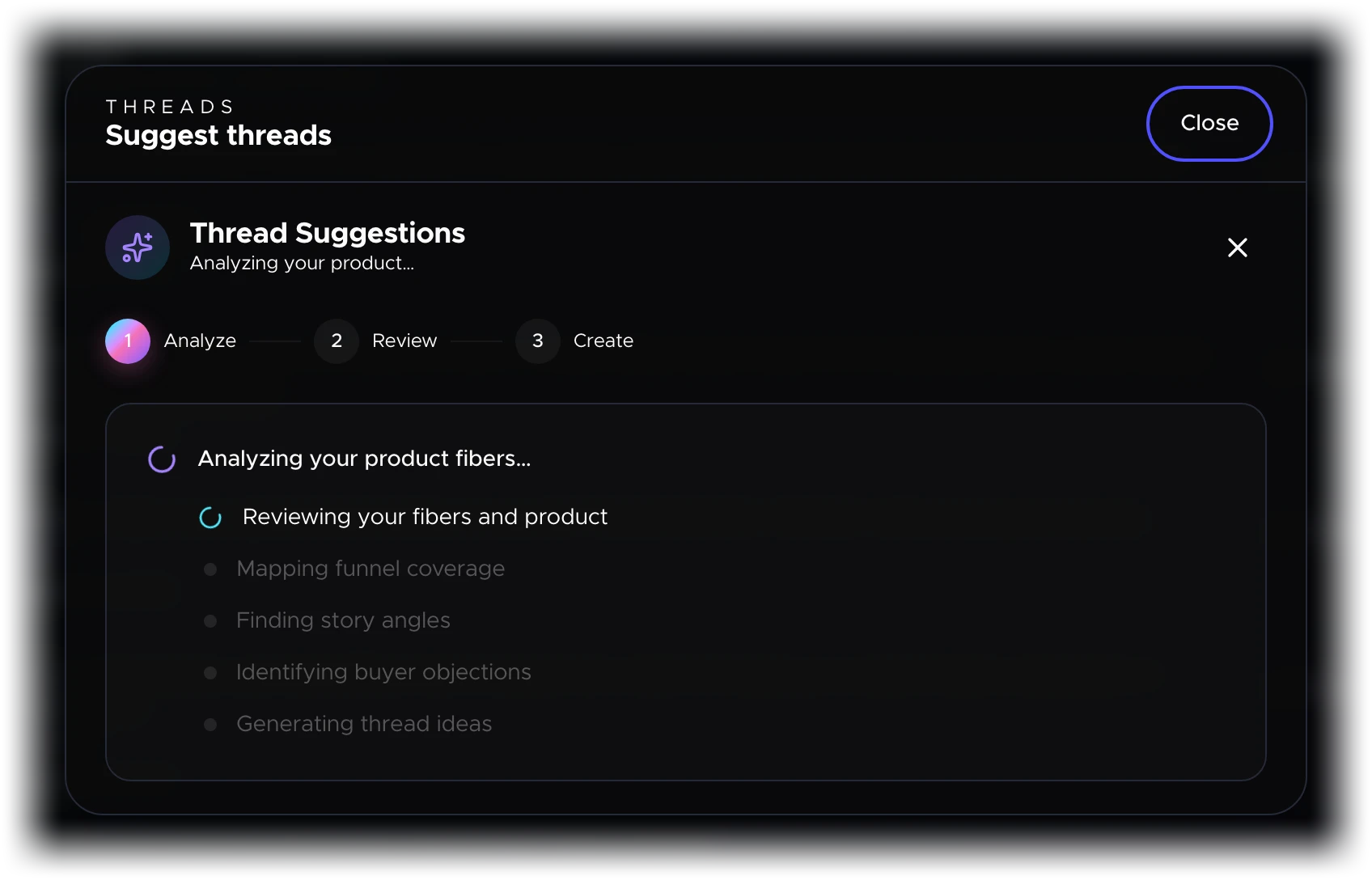
If you have Fibers in your project, the fastest way to get started is the Suggest threads button at the top of the Threads tab. Oeave analyzes your Fibers and proposes Threads that cover every stage of the buyer journey:
- Awareness — Threads that introduce the product and frame the problem it solves.
- Education — Threads that dive into features, specifications, and how-it-works content.
- Validation — Threads that surface testimonials, case studies, press mentions, and social proof.
- Conversion — Threads that present pricing, guarantees, and calls to action.
You review each suggestion, accept the ones you want, and discard the rest. Accepted Threads appear in your thread builder ready to customize.
Building Threads manually
Click Add thread to create a new Thread from scratch. Each Thread has:
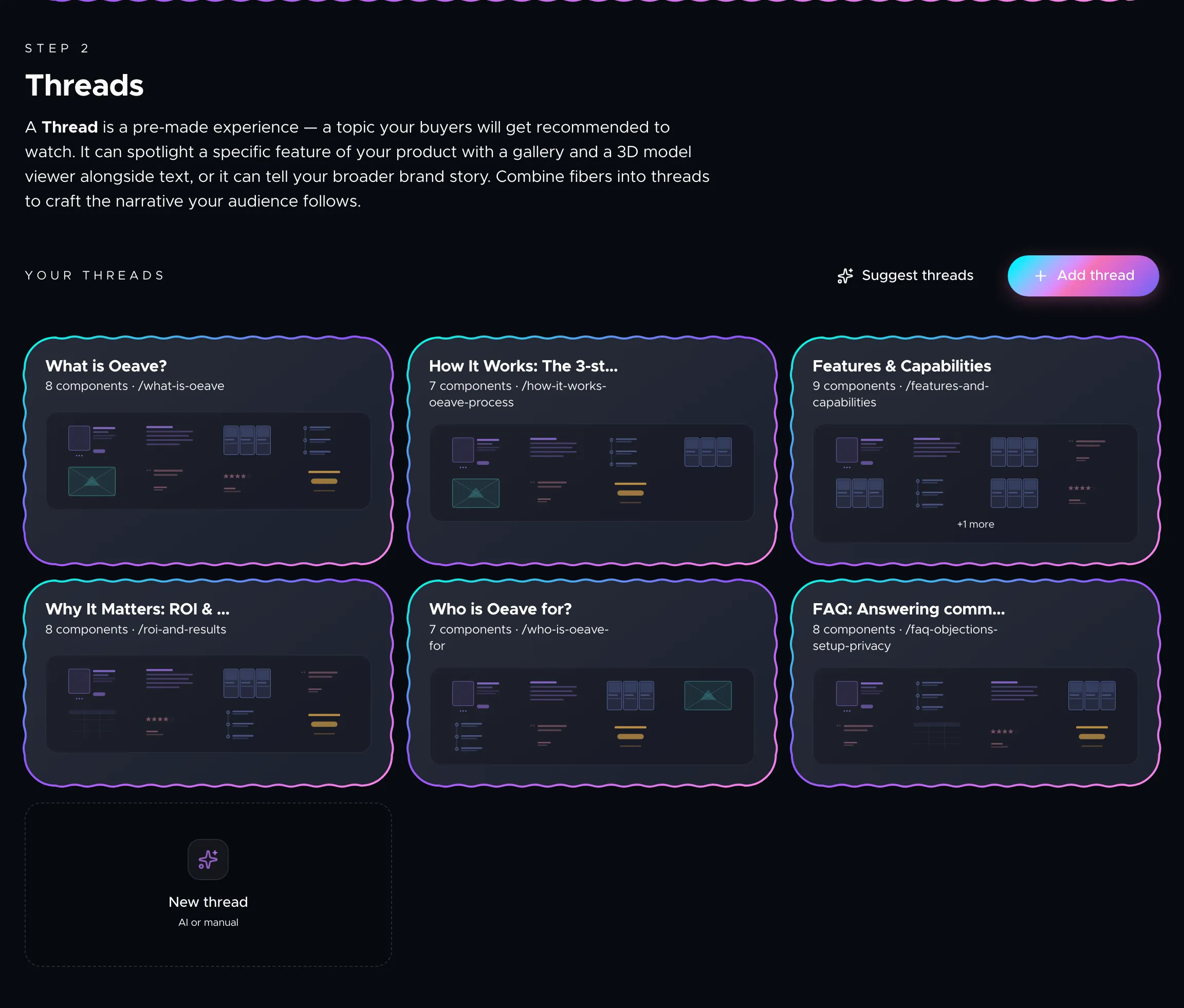
- A title — what the Thread is about. This is what buyers see when choosing their next step.
- Components — layout blocks you add to the Thread. Choose a component type (Carousel Hero, Text, Cards, Quote, and others) and then attach Fibers to fill it with content.
- Fiber assignments — each component slot can pull from one or more Fibers. Click a slot, pick the relevant Fibers, and the content maps automatically.
You can reorder components within a Thread and reorder Threads in the list. The first Thread in the list is the entry point for your Weave.
Previewing Threads
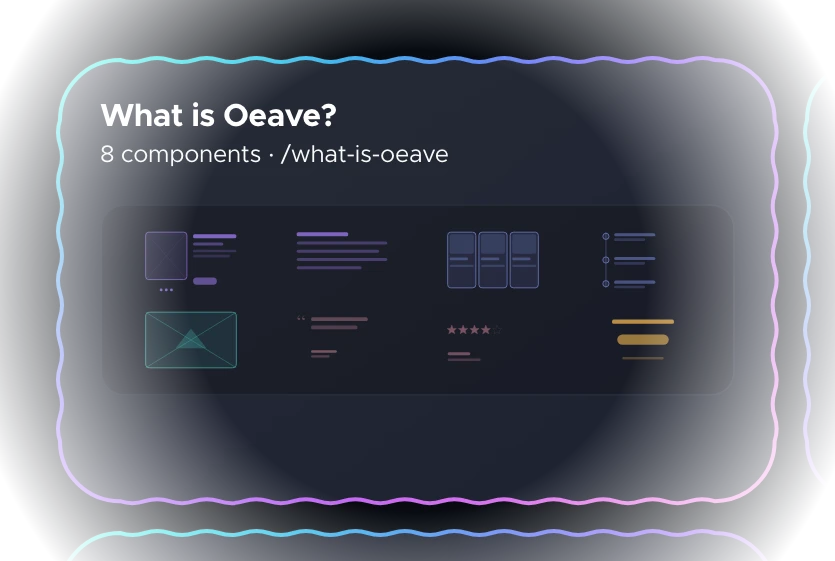
Click the preview icon on any Thread to see how it renders. The preview modal opens and you can switch between Feed and Video modes to verify the experience looks right before publishing.
Search-driven Thread suggestions
When you embed a Weave on your site and visitors use the built-in search, Oeave anonymously logs those queries and matches them to your Fibers. These logged queries appear as thread suggestions on the Threads tab.
If visitors keep asking about dishwasher safety, for example, you will see a suggestion card showing the query and how many Fibers matched. Click Create thread to generate a full Thread from that question — it uses the same AI-powered generation as "Suggest threads", so the result references your actual content.
This feedback loop ensures your Weave evolves based on what real buyers actually want to know.
Privacy of search queries
Search query logging is fully anonymous. Only the query text and matched Fiber IDs are stored — no IP address, session ID, or user agent. Emails, phone numbers, and long numeric strings are automatically scrubbed from query text before saving. All logged queries auto-expire after 30 days.
Thread confidence and the buyer journey
Each Thread carries a confidence score based on the types of Fibers inside it. Threads built from specs, pricing, or case studies signal stronger purchase intent than general overview Threads. The renderer uses these scores to guide the experience — suggesting deeper content when a buyer is engaged and lighter content when they are still exploring.
You do not need to configure this manually. It happens based on your Fiber types and how the buyer interacts.
Next steps
- Component Reference — all 16 component types you can add to a Thread
- Previewing Your Weave — see how Threads look before publishing
- Styling Your Weave — customize colors, fonts, and layout
- Background Graphics — add cinematic depth behind your components